
Top 5 Free CAD for 3D Printing
We live in a great time, where we not only have affordable 3D printers, but also a number of great CAD programs available for free, so you can easily design anything you desire yourself. With so many available programs it can be hard to choose the right one though. This list should help you to find the right software that suits your needs. These programs are also all very popular in the community, so you won’t have any trouble finding guides and tutorials that can help you get started.
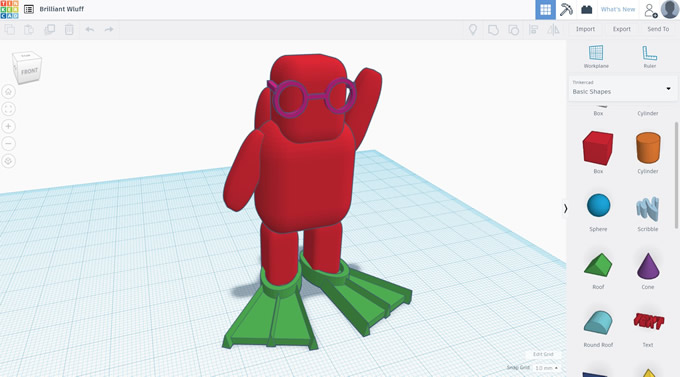
Tinkercad
Tinkercad is extremely popular, and that for good reason. It is browser-based with a simple, friendly interface that lets you get started right away, no matter your skill level. If you don’t have any experience with CAD programs, or just want to make a quick and simple part, you can’t go wrong here. It is also ideal for 3d printing, as the models are saved in STL format, and the editing all revolves around manipulating existing solid objects, leaving you with a model that won’t give you any errors when 3d printing.
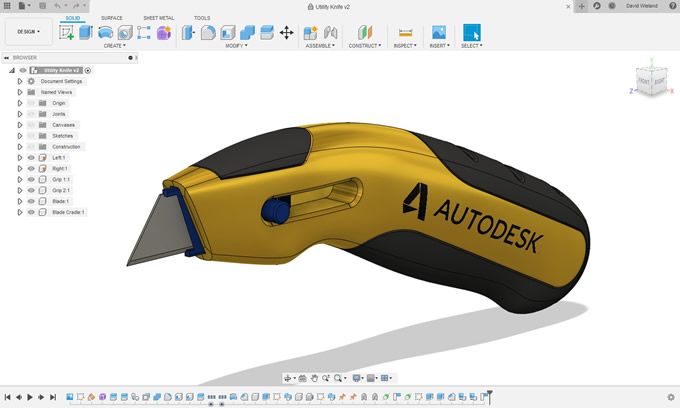
Fusion 360
If your projects are more complex and you are looking for a CAD program that is fully loaded with every feature you could want, look no further than Fusion 360 from Autodesk. While normally Fusion is a paid program, there is a fully-featured free version for startups and hobbyists. Inside the program you get access to full parametric modeling, allowing you to create dynamic models that can be easily adapted for your specifications. When your model is completed, Fusion 360 allows you to export the model as an STL file, or send it directly to Meshmixer for further processing.
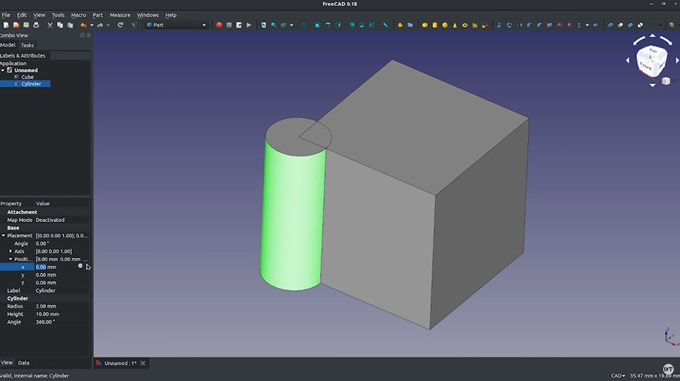
FreeCAD
If you are not a fan of being at the mercy of big cooperations, FreeCAD offers similar features as Fusion 360, in an open-source format. With parametric modeling and many different workspaces for any application, FreeCAD is a favorite of many as it gives you access to professional features completely free of charge. And if the base version isn’t enough for you, there are many extremely powerful plugins that extend the functionality even further.
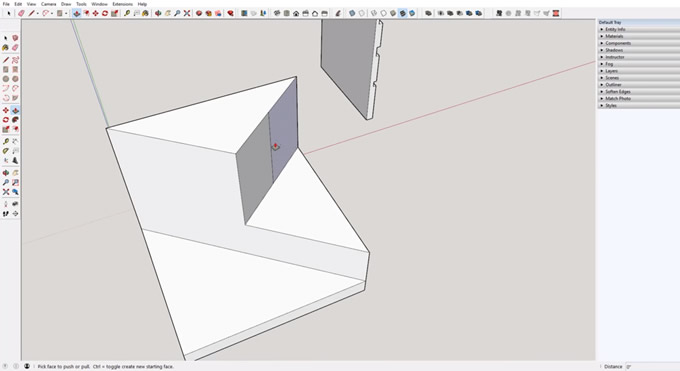
SketchUp
SketchUp has been around for a while and is also quite popular, especially for architectural design. It is fairly straight forward to use and has many features for creating even quite complex shapes. SketchUp also features a marketplace where you can get many premade models and a large list of plugins. While not necessary for most people, there is also a paid pro version with even more features. So no matter if you want to 3d print a model for your house renovation or a phone stand, SketchUp has you covered.
Blender
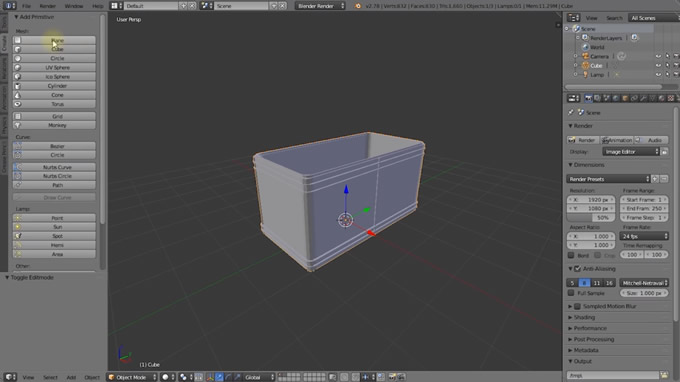
Well known amongst 3d animators and many others, Blender can also be used for 3d printing. You do have to be careful however to create a manifold model, otherwise, your slicer won’t be able to recognize your shape. Once you keep that in mind though, Blender is a great option if you want to create more organic shapes, which is hard to achieve with the more geometrically oriented programs previously mentioned. There is also quite a steep learning curve with Blender, but there are thousands of guides and tutorials out there to help you.
Featured Product